

Autodesk Civil 3D
Buy Autodesk Civil 3D subscriptions from an Autodesk Platinum Partner serving Cape Town, Gqeberha and the Western Cape, Eastern Cape and Northern Cape.
Couldn't load pickup availability
Not sure what to choose? Click here to speak to a consultant and get a custom quote.

We help businesses choose, purchase and manage Autodesk Civil 3D subscriptions. Our team provides local support for licensing, renewals, training and implementation across the Western Cape, Eastern Cape and Northern Cape of South Africa.
Overview
Autodesk Civil 3D is a comprehensive civil infrastructure design and documentation software built to streamline transportation, land development, and water projects. By integrating survey data, terrain modeling, roadway design, and drainage analysis into a single dynamic platform, Civil 3D enables engineers and designers to produce high-quality deliverables more efficiently. With powerful collaboration tools and real-time data updates, teams can minimize rework, optimize workflows, and deliver projects on schedule and within budget.
Key Features
- Surface Modeling & Grading: Generate detailed terrain models and automated grading solutions for accurate site design and earthwork calculations.
- Roadway & Corridor Design: Create, edit, and analyze dynamic roadway layouts and corridors with parametric rules to handle complex alignments and cross-sections.
- Storm & Sanitary Analysis: Perform hydrologic and hydraulic calculations directly within Civil 3D, streamlining drainage system design and analysis.
- Parcel & Site Layout: Automate parcel creation and update lot boundaries as designs evolve, helping maintain consistent documentation.
- Integrated Survey Tools: Import survey data, process field measurements, and manage points for efficient site planning and construction staking.
Benefits
- Improved Efficiency: Dynamic model updates and intelligent objects reduce manual adjustments, saving time and lowering risk of errors.
- Comprehensive Project Visibility: A centralized platform for design and analysis fosters better decision-making and smoother coordination among project stakeholders.
- Reduced Rework: Parametric relationships across surfaces, alignments, and profiles ensure changes are reflected throughout the design, minimizing inconsistencies.
- Enhanced Collaboration: Civil 3D’s interoperability with other Autodesk tools and cloud-based platforms streamlines data sharing and version control across teams.
Who It’s For
- Civil Engineers & Designers seeking robust features for roadway, site, and utility design with dynamic, data-driven workflows.
- Surveyors & Geospatial Professionals needing integrated survey and mapping tools for precise terrain and boundary analysis.
- Infrastructure & Transportation Agencies wanting to improve collaboration, optimize design processes, and meet regulatory requirements.
- Land Developers & Urban Planners looking for automated parcel creation, grading solutions, and comprehensive site planning capabilities.
Choosing a computer for Civil 3D? Our Civil 3D workstation guide explains what Civil 3D needs from the processor, memory, graphics card and storage for surfaces, corridors and point clouds, and which Modena Computers configuration suits your projects.
Civil 3D alone or the AEC Collection? Civil 3D already includes AutoCAD; if you also use InfraWorks, Navisworks or Revit, the collection costs less than buying them separately. Our AEC Collection vs individual licences guide shows the arithmetic.
Learning Civil 3D? Our Civil 3D Fundamentals course runs in our Cape Town classroom or live online, alongside the rest of our AutoCAD training courses.
Every Autodesk subscription you buy from Modena Technologies comes with support from our own team at no extra cost, from people in your time zone. It sits on top of the technical support Autodesk includes with every subscription. This page sets out what is included, what is a paid service, and how to tell the difference.
Included with every subscription from Modena
- Guided installation. We guide you through downloading and installing the software, remotely or over the phone, so that you can set up each computer yourself. Installing for you across several computers is a paid service.
- Signing in and access. Getting users signed in and able to open the products assigned to them.
- Crashes, freezes and errors. When the Autodesk software will not start, crashes, freezes or shows an error, we help find the cause and get you working again.
- Quick how-to questions. Short questions about how to do something in the software, up to about 15 minutes.
Included or paid? Three questions.
Won't install, sign in, start, or keeps crashingIncluded
A how-to question of about 15 minutesIncluded
Training, templates, projects, office-wide installsPaid, quoted first
Windows, hardware and network problems are a paid service.
Where the line is
| You ask | Cost | Where to get it |
|---|---|---|
| "I can't install it" or "It won't let me sign in" | Included | Log a support request |
| "Can you install it on all 20 of our computers?" | Paid | Software Installation and Setup Services |
| "Revit crashes every time I open it" | Included | Log a support request |
| "Windows keeps crashing" or "My computer, graphics card or network is giving problems" | Paid | Ask us for a quote |
| "Our Modena Computers workstation has a hardware fault" | Under warranty | Contact us |
| "How do I change the dimension style in AutoCAD?" | Included | Log a support request |
| "Can you walk us through how to do this on our project?" | Paid | Product Feature Support and Guidance |
| "Our new staff member needs to learn Revit" | Paid | Training courses or on-demand training |
| "Can you set up our title blocks, templates and standards?" | Paid | Templates and standards |
| "The software works, but our model takes ages to open" | Paid | Model health checks |
| "We need someone alongside the team on a live project" | Paid | On-Project Collaboration Support |
| "We want regular help every month" | Paid | Ask about a monthly agreement |
If a quick question turns out to need more time, we will tell you before any paid work starts and quote it first.
What Autodesk covers
Autodesk's own technical support comes with every subscription, however it was bought. You can contact Autodesk directly through your Autodesk Account as well as using our support. Most clients find it quicker to start with us, because we already know your setup.
Regular help for your team
Teams that want help every month take a monthly agreement with a set number of consultant days and priority handling of their support requests. Tell us about your team and we will propose an option.
No subscription with us?
If you bought your Autodesk subscription elsewhere, the support above is not included, but you can still get help. Software Troubleshooting and Stability Support covers crashes, errors and stability problems and is billed by the hour. If your renewal is coming up, send us the date and we will quote the replacement so that the support is included from then on.
How to get help
Log a request at support.modenatechnologies.com. To help us sort it out quickly, include:
- the product and version, for example Revit 2026
- what you were doing when the problem happened
- the exact error message, or a screenshot
Frequently asked questions
Is support included when I buy Autodesk software from Modena?
Yes. Guided installation, signing in, crash, freeze and error support, and quick how-to questions are included with every subscription bought from Modena Technologies, at no extra cost.
Is training included with my subscription?
No. A quick pointer on how to do something is included, but learning the software is a paid service. We run scheduled courses live online and in person, and on-demand courses you can take at your own pace.
Do I still get Autodesk's support if I buy through Modena?
Yes. Autodesk's technical support comes with every subscription however it was bought. Our support is in addition to it.
What if I bought my subscription somewhere else?
You can buy Software Troubleshooting and Stability Support by the hour, or move your subscription to us at renewal so that support is included from then on.
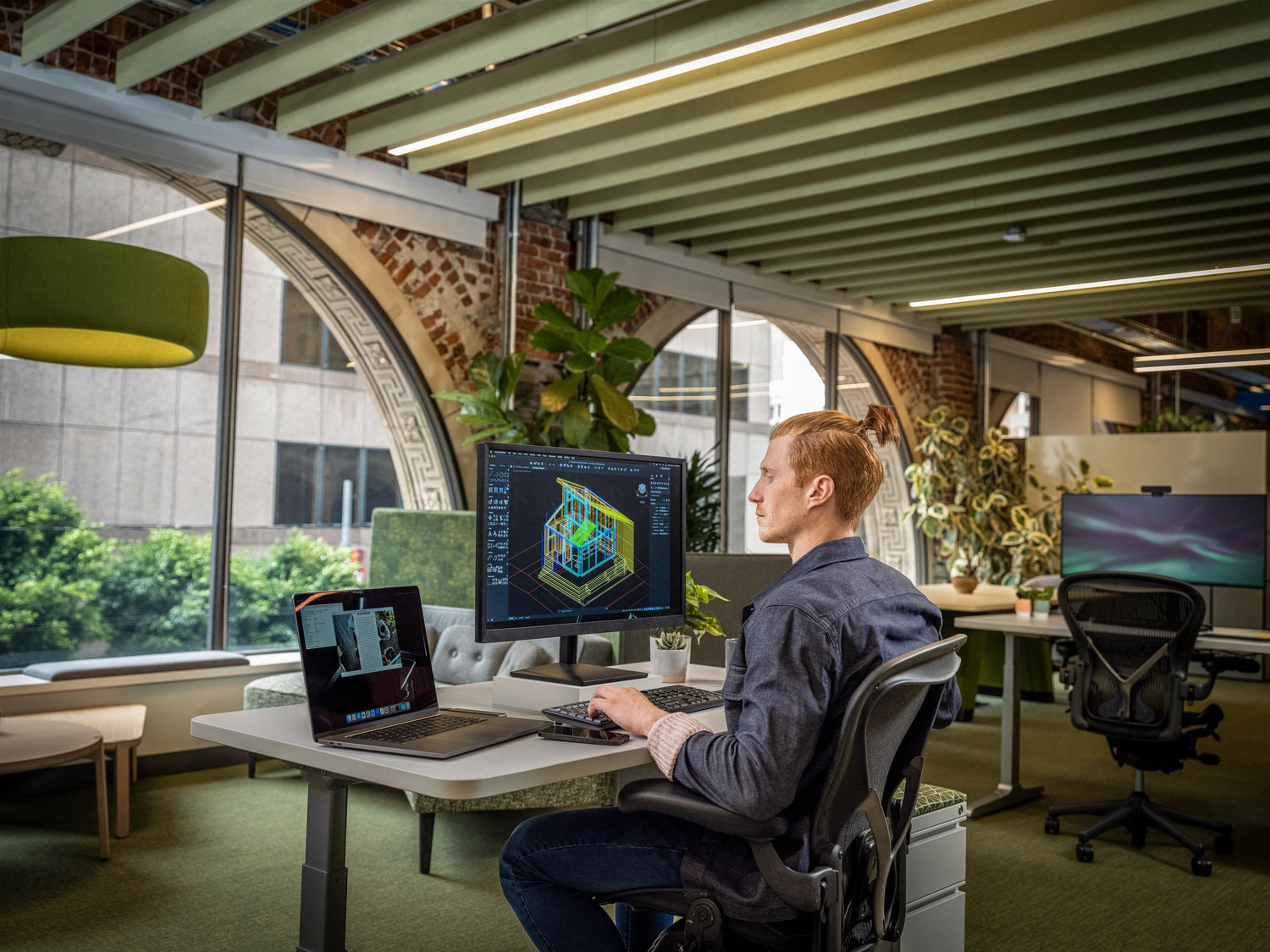
Product Support
Support Included
- Included with your subscription: guided installation, help signing in, support when the software crashes, freezes or shows an error, and quick how-to questions. It comes from people in your time zone, on top of Autodesk's own support.
- Available when you need more: training, help on your own projects, templates and standards, and installation across the whole office, all quoted up front.
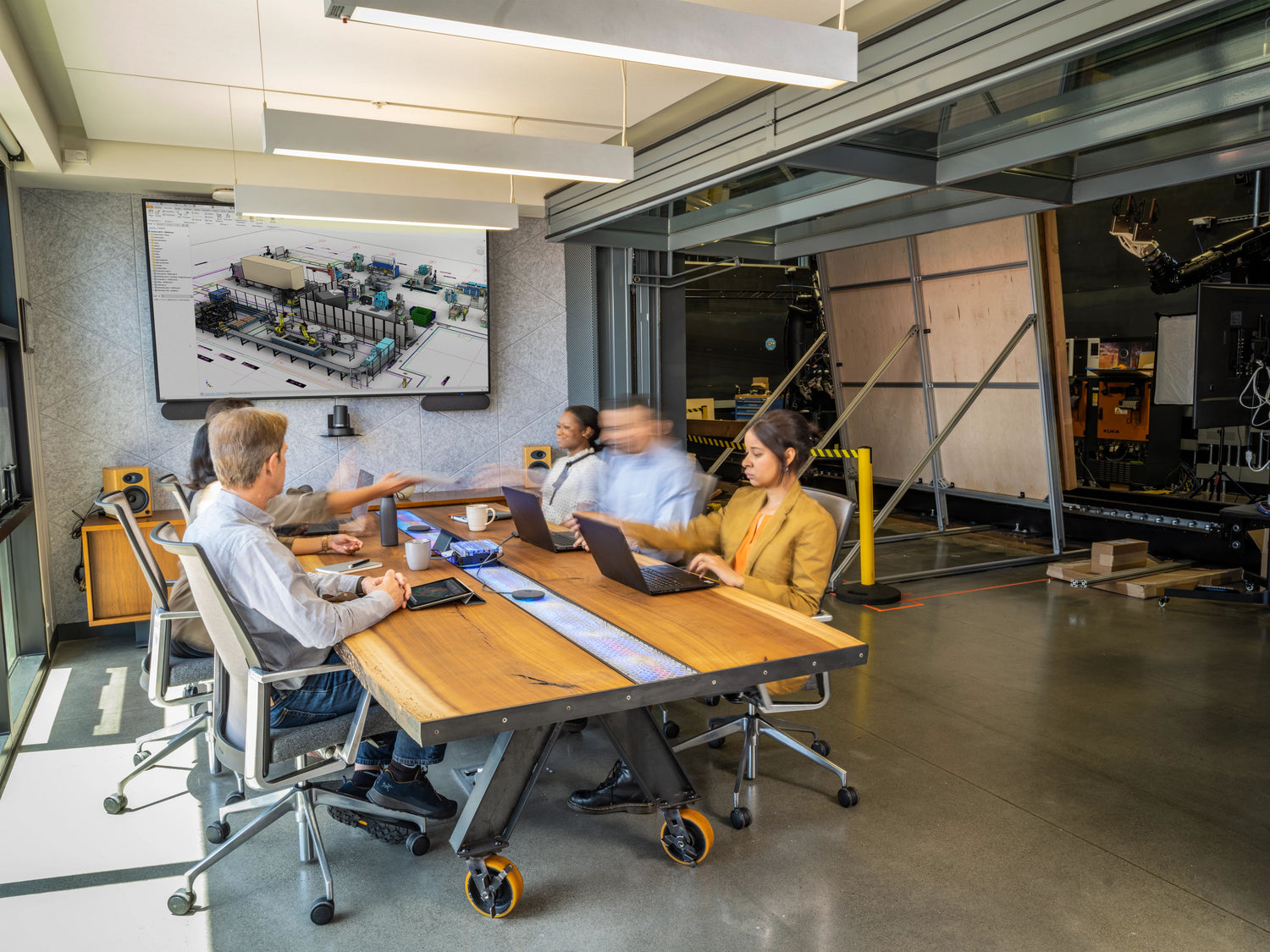
Don't Settle For Less
Autodesk Platinum Partner
We pride ourselves on industry-leading levels of excellence, and are one of only a handful of Autodesk Platinum Partners, worldwide. This status was awarded due to deep industry knowledge and the unprecedented levels of customer service we have demonstrated for over 20 years.

Custom Options
Need something different?
Are you looking for professional development tailored to your workplace, personalized one-on-one solutions to meet your specific needs, or project-based support and consulting? Let us know how we can assist you.